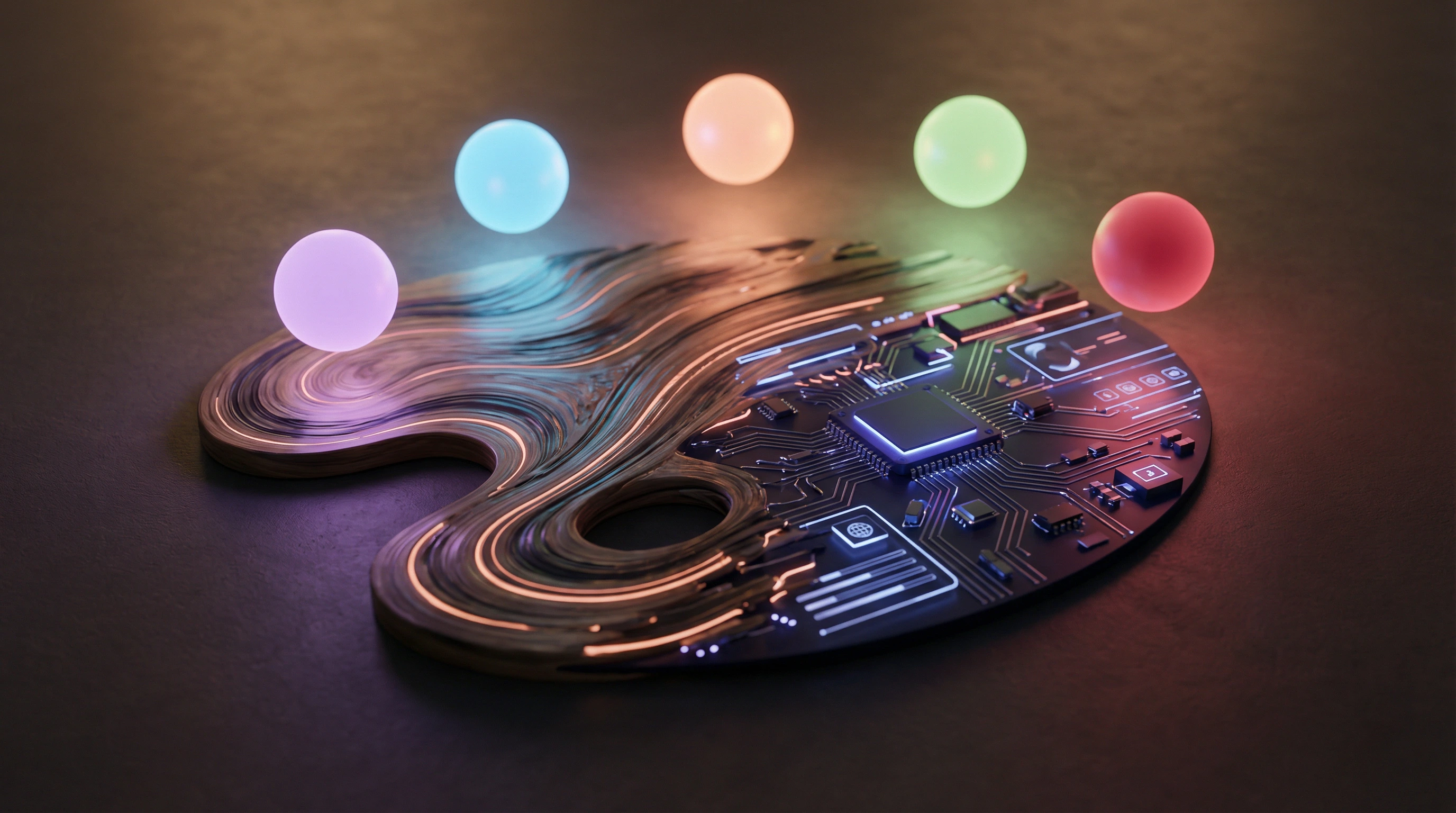
The Problem with Dark Themes
Most dark themes are an afterthought. Designers build in light mode, then invert colors and call it done. The result? Harsh contrasts, unreadable text, and that unmistakable "we added this at the last minute" feel.
We went the other way. anit.guru is dark-first, built entirely on the Catppuccin Mocha palette.
What is Catppuccin?
Catppuccin is a community-driven color palette designed for readability and aesthetics. The "Mocha" variant is the darkest flavor, with carefully calibrated colors that reduce eye strain while maintaining enough contrast for accessibility.
The Palette
:root {
  --ctp-base: #1e1e2e;     /* Main background */
  --ctp-mantle: #181825;    /* Elevated surfaces */
  --ctp-surface0: #313244;  /* Cards, inputs */
  --ctp-text: #cdd6f4;      /* Primary text */
  --ctp-mauve: #cba6f7;     /* Brand accent */
  --ctp-green: #a6e3a1;     /* Success, pass */
  --ctp-red: #f38ba8;       /* Error, fail */
  --ctp-yellow: #f9e2af;    /* Warning */
}
One Accent Per Tool
Each tool gets its own accent color from the palette. This creates visual identity without breaking consistency:
| Tool | Color | Hex |
|---|---|---|
| What Stack | Peach | #fab387 |
| Meta Peek | Sapphire | #74c7ec |
| Analytics | Green | #a6e3a1 |
| Checkup | Teal | #94e2d5 |
| Linter | Lavender | #b4befe |
| SEO+ | Blue | #89b4fa |
| Regex | Pink | #f5c2e7 |
| Base64 | Yellow | #f9e2af |
| Colors | Flamingo | #f2cdcd |
Tailwind v4 Integration
We map every Catppuccin color to Tailwind utility classes:
@theme inline {
  --color-ctp-base: var(--ctp-base);
  --color-ctp-mauve: var(--ctp-mauve);
  /* ... all 26 colors */
}
This means we write bg-ctp-surface0/60 or text-ctp-mauve everywhere — no raw hex values in components. If we ever switch palettes, one file changes.
The Rule: No Raw Hex
The only exception is Recharts (the charting library), which requires hex values for colors. Everything else uses CSS variables via Tailwind classes.
Dark-First Benefits
- Consistency: No light/dark mode toggle to maintain
- Developer tools aesthetic: Our audience lives in dark IDEs
- Less visual noise: Content and data stand out naturally
- Reduced eye strain: Especially for the analytics dashboard you check daily
Results
The feedback has been overwhelmingly positive. Turns out, when you design for dark mode from the start instead of bolting it on, everything just feels right.