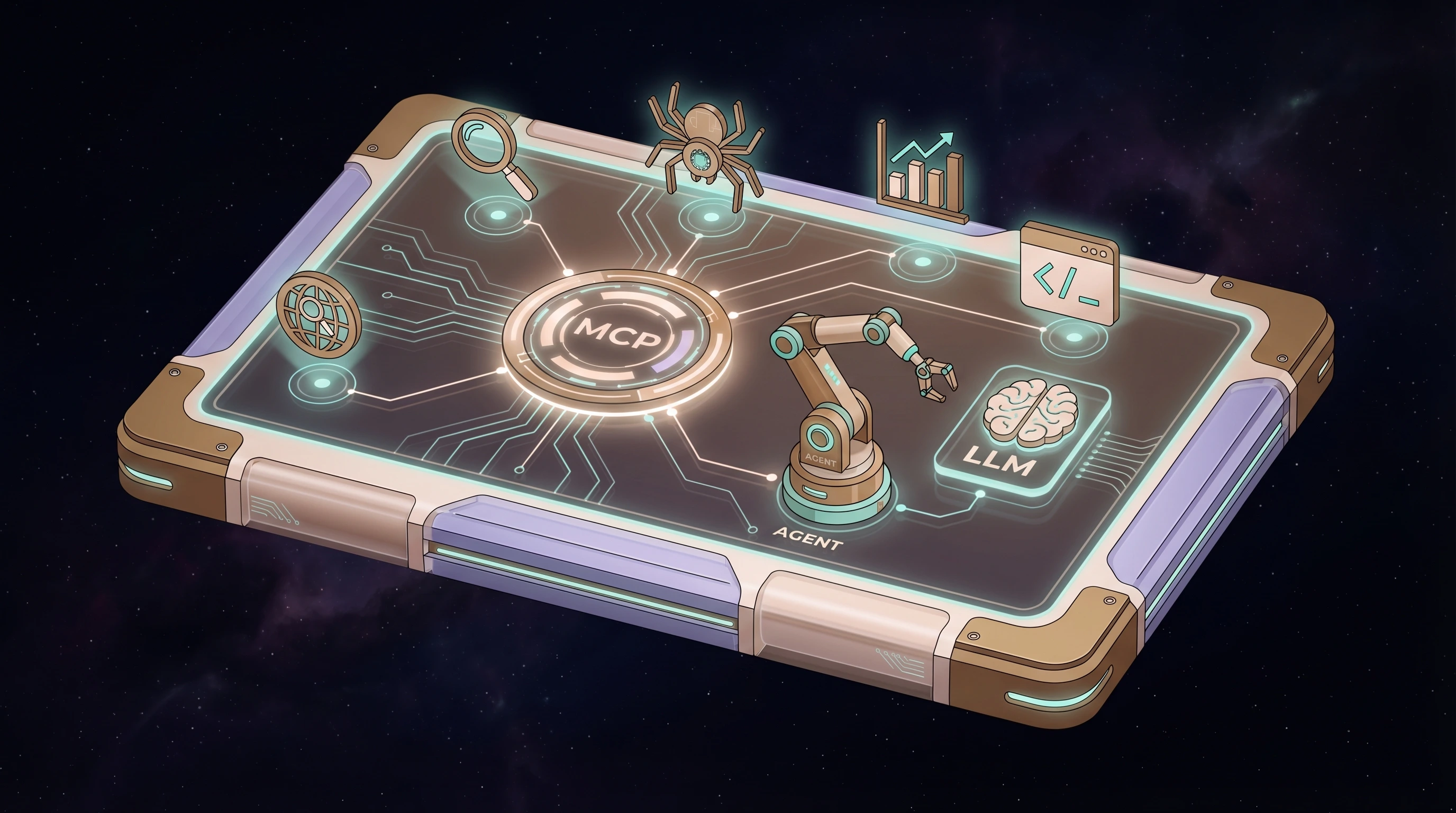
2026-04-26 update: This post describes a gateway-based setup that I have since retired in my own homelab. My current pattern is local flat-file vault access plus direct SSH/API integrations. Treat the gateway portions below as historical context, not my current recommended architecture.
2026-05-01 update: While the idea of an MCP hub is convenient, MetaMCP in particular currently has trouble releasing idle connections. In my setup, those lingering connections caused memory usage to keep climbing until the host became unresponsive. If you try this pattern, monitor resource usage closely and treat MetaMCP as experimental rather than set-and-forget infrastructure.
The Problem Nobody Talks About
You spin up Ollama. You pull Gemma 4. You connect it to your IDE. You see 121 MCP tools listed in the sidebar. You ask the model to use one.
Nothing happens.
Or worse — the model hallucinates a tool call, formats it wrong, and you get a stack trace instead of search results. I spent a few hours debugging this before I understood the actual problem.
Local LLMs can't reliably do tool calling. Not through Zed's OpenAI-compatible API. Not with 121 tool schemas crammed into context. Not without help.
Here's how I fixed it.
The Stack
Zed IDE (Mac) → Pi agent (ACP) → Gemma 4 (Ollama on homelab GPU)
                                → 121 MCP tools (via MetaMCP gateway)
                                  ├── Ahrefs (109 tools — SEO, keywords, site audit)
                                  ├── Firecrawl (12 tools — web scraping, crawling)
                                  └── Ollama (13 tools — model management, embeddings)
Five components, each solving one problem:
| Component | Problem It Solves |
|---|---|
| Ollama | Run LLMs locally on your own GPU |
| MetaMCP | Aggregate all your MCP servers behind one endpoint |
| Pi agent | Give the local LLM a proper tool-use harness |
| pi-mcp-adapter | Lazy-load 121 tools through a ~200-token proxy |
| Zed IDE | IDE with native ACP support for external agents |
Why Can't Ollama Just Use MCP Tools?
Two reasons.
1. Ollama doesn't speak MCP. As of April 2026, there is no native Ollama MCP support (issue #7865 is still open). You can't just point an MCP ollama client at your instance and expect it to work. You need a bridge, an adapter, or a harness that handles the protocol.
2. Ollama tool calling is unreliable at scale. Even models that technically support function calling — Gemma 4, Qwen 3, Llama 3.3 — struggle with complex tool orchestration. They need to read tool schemas, decide which tool to call, format the arguments correctly, interpret the response, and decide what to do next. That's a reasoning chain that 26B parameter models handle inconsistently, especially when you throw 121 tool definitions at them.
The fix isn't a better model. It's a better harness.
Step 1: MetaMCP — One Gateway, All Your Tools
MetaMCP is a self-hosted MCP aggregator. You configure each upstream MCP server once — stdio, SSE, or HTTP — and MetaMCP exposes them all through a single Streamable HTTP endpoint.
I run it as a Docker Compose stack on a dedicated machine:
MetaMCP (iaconcity:12008)
├── firecrawl (STDIO) → local Firecrawl instance
├── ollama-rgb (STDIO) → Ollama on the GPU box
└── ahrefs (Streamable HTTP) → api.ahrefs.com/mcp/mcp
Any MCP client that connects to http://10.0.0.187:12008/metamcp/homelab/mcp gets all 121 tools from all three servers — including every Ollama MCP server you register. Add a new server in the MetaMCP web UI, and every connected client picks it up automatically.
Setting Up MetaMCP
# On your server (I use a Proxmox LXC)
mkdir ~/metamcp && cd ~/metamcp

# Create docker-compose.yml and .env (see metamcp docs)
docker compose up -d
Then open the web UI, add your MCP servers, create a namespace, and create an endpoint. The endpoint URL is what clients will connect to.
For MCP servers running on the same host as MetaMCP (like Firecrawl), set TRANSFORM_LOCALHOST_TO_DOCKER_INTERNAL=true in .env. This rewrites localhost URLs to host.docker.internal so the containerized MetaMCP can reach host services.
Adding Ahrefs
Ahrefs has an official remote MCP server. No npm package needed:
- Type: Streamable HTTP
- URL:
https://api.ahrefs.com/mcp/mcp - Auth: Bearer token (your Ahrefs MCP key)
That's it. 109 SEO tools — site explorer, keyword research, rank tracking, site audit, web analytics — all available through MetaMCP.
Step 2: Pi Agent — The Harness That Makes It Work
Here's the insight that took me a day to reach: the LLM shouldn't call MCP tools directly. An agent harness should.
Pi is a terminal-first coding agent that supports custom OpenAI-compatible providers. It handles the tool-calling loop — the back-and-forth of reading tool schemas, formatting calls, interpreting responses, and deciding next steps — so the LLM just needs to generate text.
Pi agent configured for Ollama (~/.pi/agent/models.json):
{
  "providers": {
    "ollama": {
      "baseUrl": "http://10.0.0.132:11434/v1",
      "api": "openai-completions",
      "apiKey": "ollama",
      "compat": {
        "supportsDeveloperRole": false,
        "supportsReasoningEffort": false
      },
      "models": [
        {
          "id": "gemma4:26b",
          "name": "Gemma 4 26B (MoE)",
          "input": ["text"],
          "contextWindow": 262144,
          "maxTokens": 8192
        }
      ]
    }
  }
}
Point baseUrl at your Ollama instance's IP. If you're running Pi on the same machine as Ollama, use 127.0.0.1.
Step 3: pi-mcp-adapter — Lazy-Loading 121 Tools
This is the piece that makes it practical. pi-mcp-adapter is a Pi extension that connects Pi to MCP servers with a critical optimization: proxy mode.
Instead of injecting 121 tool schemas into the LLM's context (which would burn 20-30K tokens and confuse the model), proxy mode exposes a single mcp() tool at ~200 tokens. The LLM searches for tools on demand:
mcp({ search: "keyword research" })
→ finds: ahrefs__keywords-explorer-overview, ahrefs__keywords-explorer-matching-terms
→ LLM picks one, agent formats the call, MetaMCP routes it
Install and Configure
# Install the adapter
pi install npm:pi-mcp-adapter
Create ~/.pi/agent/mcp.json:
{
  "settings": {
    "toolPrefix": "server",
    "directTools": false
  },
  "mcpServers": {
    "metamcp": {
      "url": "http://YOUR_METAMCP_IP:12008/metamcp/homelab/mcp",
      "auth": "bearer",
      "bearerTokenEnv": "METAMCP_TOKEN",
      "lifecycle": "keep-alive"
    }
  }
}
Note bearerTokenEnv — the token comes from an environment variable, not hardcoded in the config. Set it in your shell profile:
export METAMCP_TOKEN="sk_mt_your_key_here"And directTools: false is the key setting. With 121 tools, proxy mode is the only sane option. For a server with 5-10 tools, you could set directTools: true to expose them as first-class Pi tools.
Step 4: Zed IDE — The UI Layer
Zed supports external agents through the Agent Client Protocol (ACP). Pi has an ACP adapter that lets it run as a subprocess of Zed, communicating over JSON-RPC 2.0 on stdio.
Install Pi ACP in Zed
- Open the Agent Panel (
Cmd+Shift+A) - Open the ACP Registry
- Search for Pi, install it
Your settings.json can be minimal:
{
  "agent_servers": {
    "pi-acp": {
      "type": "registry"
    }
  },
  "agent": {
    "show_turn_stats": true,
    "tool_permissions": {
      "default": "allow"
    }
  }
}
No language_models section needed — Pi brings its own LLM connection. No context_servers needed — Pi brings its own MCP access through the adapter.
Start a new thread in the Agent Panel, select Pi, and ask it something that requires tools:
"What keywords does anit.guru rank for?"
Pi searches its MCP tools, finds ahrefs__site-explorer-organic-keywords, formats the call, MetaMCP routes it to Ahrefs, and the results come back. All local. All free (minus the Ahrefs subscription).
The Architecture, Visually
┌─────────── Your Laptop ───────────┐
│                                   │
│  Zed IDE                          │
│    └── Pi agent (ACP subprocess)  │
│          ├── pi-mcp-adapter       │
│          │     └── proxy mode     │
│          │          (~200 tokens) │
│          │                        │
└──────────┼────────────────────────┘
           │
     ┌─────┼─────── LAN ───────────────────┐
     │     │                                │
     │     ▼                                │
     │  MetaMCP (gateway server)            │
     │  ├── firecrawl (local scraping)      │
     │  ├── ollama-rgb (model management)   │
     │  └── ahrefs (cloud SEO tools)        │
     │                                      │
     │  Ollama + Gemma 4 (GPU server)       │
     │  └── RTX 4090, 24GB VRAM            │
     └─────────────────────────────────────┘
What About Direct Ollama in Zed?
I tried this first. Zed has native Ollama support — you can point it at your Ollama instance and use Gemma 4 as the built-in agent's model. It works for pure chat and code generation.
But the moment MCP tools enter the picture, it falls apart. Zed shows 121 tools in the sidebar. Gemma 4 can't reliably call any of them. The model sees the tool schemas but can't format the calls correctly. It's like giving someone a restaurant menu in a language they barely read.
The Pi agent harness solves this because it manages the tool-calling protocol itself. The LLM generates intent, Pi translates it into structured tool calls.
Gotchas and Hard-Won Lessons
MetaMCP namespace linking via API: If you're scripting MetaMCP setup via its tRPC API, the field to link servers to namespaces is mcpServerUuids (camelCase), not mcp_server_uuids. The API returns success either way — it just silently ignores the wrong field name. Cost me 30 minutes.
Ahrefs MCP key vs API key: Ahrefs has two types of keys. The MCP key is for the remote Streamable HTTP endpoint (api.ahrefs.com/mcp/mcp). The API v3 key is for the npm STDIO package. They're not interchangeable.
Pi on your laptop, not the GPU server: If you use Zed's ACP, Pi runs as a subprocess of Zed — meaning it runs on your laptop, not on the GPU server. It reaches Ollama over the LAN. The latency (~1-5ms per hop) is negligible compared to inference time.
Proxy mode is non-negotiable for 100+ tools. Direct mode burns ~200 tokens per tool. 121 tools = 27K tokens just for schemas. That's most of Gemma 4's useful context window gone before you even ask a question.
What's Next
This stack is a foundation. Here's what I'm planning:
- RAG MCP server — register in MetaMCP, give every agent access to a shared knowledge base. Pi, Claude, Paperclip — they all get memory for free.
- Tiered namespaces — a
localnamespace (Ollama, Firecrawl, Pi) for cheap/private work, and acloudnamespace (Ahrefs, Context7) for when you need the big guns. Junior agents get local, senior agents get everything. - More MCP servers — GitHub, database, home automation. MetaMCP makes adding them trivial.
- Native Ollama MCP integration — if Ollama ever ships built-in MCP support (issue #7865), the gateway architecture still wins because it aggregates multiple servers. But the Pi agent harness may become optional for simple workflows.
The whole point is: configure once, use everywhere. Add a tool to MetaMCP, and every agent in the stack has access to it immediately.
The Takeaway
Local LLMs are powerful but limited. They can't reliably orchestrate complex tool calling on their own. The fix isn't waiting for better models — it's building the right infrastructure around the ones you have.
MetaMCP aggregates your tools. Pi agent manages the tool-calling loop. pi-mcp-adapter keeps context lean. Zed gives you a real IDE interface. Together, they turn a 26B parameter model into something that can query Ahrefs, scrape the web, and manage its own model stack — all without burning a single cloud token.
FAQ
What is MCP in the context of local AI models and Ollama?
MCP — Model Context Protocol — is a standard that lets AI models call external tools: web scrapers, databases, SEO platforms, file systems, anything with an MCP server. In the context of local LLMs or Ollama, MCP is the bridge between your self-hosted model and the outside world. Without it, your local model can generate text but can't do anything. With it, your model gains the ability to search the web, query APIs, read files, and more.
How do I setup Ollama to use MCP?
Ollama doesn't have built-in MCP support yet. To connect Ollama to MCP tools, you need an agent harness like Pi coding agent that sits between Ollama and your MCP servers. Pi handles the tool-calling protocol — reading tool schemas, formatting requests, interpreting responses — while Ollama handles the text generation. Add pi-mcp-adapter to give Pi access to any MCP server, and use a gateway like MetaMCP to aggregate multiple servers behind one endpoint.
How to connect Ollama to MCP server?
The simplest path: install Pi coding agent, configure it to use Ollama as its LLM provider (point baseUrl at your Ollama instance), then install pi-mcp-adapter and configure ~/.pi/agent/mcp.json with your MCP server URLs. Pi becomes the Ollama MCP client that mediates between your local model and the MCP ecosystem. For multiple MCP servers, put MetaMCP in front as a gateway so Pi only needs one connection.
How to use MCP with Ollama?
Start with a single MCP server (like the official filesystem server) and Pi agent pointed at your Ollama instance. Once that works, scale up: add more MCP servers to MetaMCP, and Pi's proxy mode will lazy-load them on demand. The key insight is using proxy mode (directTools: false) so your local model isn't overwhelmed by hundreds of tool definitions — it discovers tools as needed through a single lightweight proxy call.